Sometimes when you create a dar file from a higher version of composer, and try to install that dar file with an earlier version, the dar deployer shows an error:
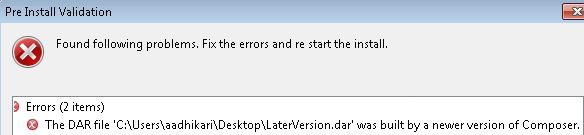
This is easily fixed. Open the dar in a program like PKZip, or unzip the dar. There is a version.ini file in the root folder. Comment out the version information:
composer.version=7.2.0070.0203
Just put a # before the above line and save it back to the dar.

 Tech Kraft
Leave a comment